This page contains details on specific extensions that may not be obvious to use.
CAPTCHA Filter
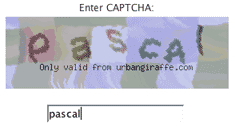
In order to use a CAPTCHA you must create one text field in your form to receive the CAPTCHA data. You can then attach a CAPTCHA filter to that field from the Filled In interface and a CAPTCHA image will be automatically added to your form above the field.

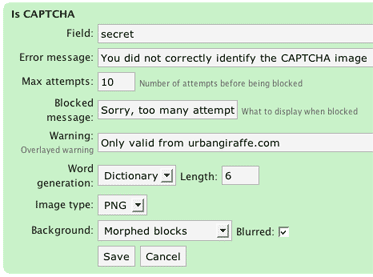
The CAPTCHA configuration page has a lot of options where you can tune how the CAPTCHA appears and how complex it is.
Note that a CAPTCHA can only be applied to a text input field.